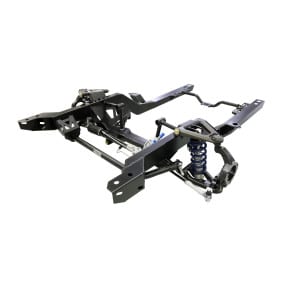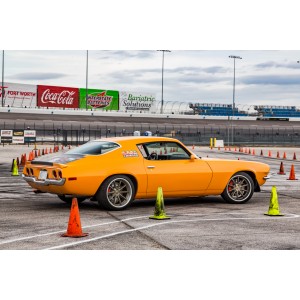
We keep our ears to the ground when it comes to finding quality content of our products being put to use. We were stoked to come across Allen Woolsey’s YouTube channel where he’s (extensively) documenting the buildup of his first gen Camaro with one of our 1st Gen MOMENTUM subframes.
Allen’s video is great for a number of reasons, but we especially appreciated his documentation of the entire process, including the delivery all the way to the bitter end.
It’s super helpful to see videos like this because it validates everything that we include in our own Ridetech install videos and adds 3rd party validation to them. Additionally, if you’re on the fence about what to expect once you pull the trigger on one of these subframes, this video is a great reference tool.
While this video documents installation on a first gen F-Body, we also released our second gen F-Body subframe last year, which has an almost identical install procedure. Find out more about those below.
Our hats are off to the effort Allen put into this video, not to mention the rest of the videos he’s put together documenting his Camaro build (19 videos and counting so far!). If you’re reading this blog post, do us a favor and go give Allen’s channel a like and subscribe to see future updates on his build. One of his previous posts involved installing one of our 4-links under the rear of the Camaro (episode 11).
If you’re building up a classic and want to give us feedback on what our next subframe expansion should include, leave us a comment below!
That’s all for this update Ridetech nation. We’ll catch you on the next one!
Shop 1st & 2nd Gen F-Body MOMENTUM Subframes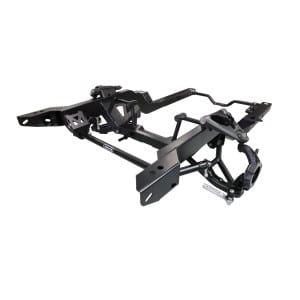
-